

Reminders and emails
Tidal PTC emails you when you book, move or cancel a conference, when the teacher changes its details, and again shortly before your conferences. You can choose which emails you get and how early the reminder arrives.
Who this is for
Section titled “Who this is for”Parents and guardians who have booked conferences.
Before you start
Section titled “Before you start”- Emails go to the email address the school has for you. If you do not get them, check your spam folder, then ask the school to check your email address.
- All emails are turned on unless you turn them off.
The reminder email
Section titled “The reminder email”By default, you get a reminder about 24 hours before your first upcoming conference. One email lists all of your upcoming conferences, with the time, your child, the teacher, and the room or video call link for each one.
The reminder has a conferences.ics file attached. Open it to add your conferences to your phone or computer calendar.
If a conference is moved or its details change, you get a new reminder for it.
Choose your emails
Section titled “Choose your emails”- Open Personal settings from the sidebar.
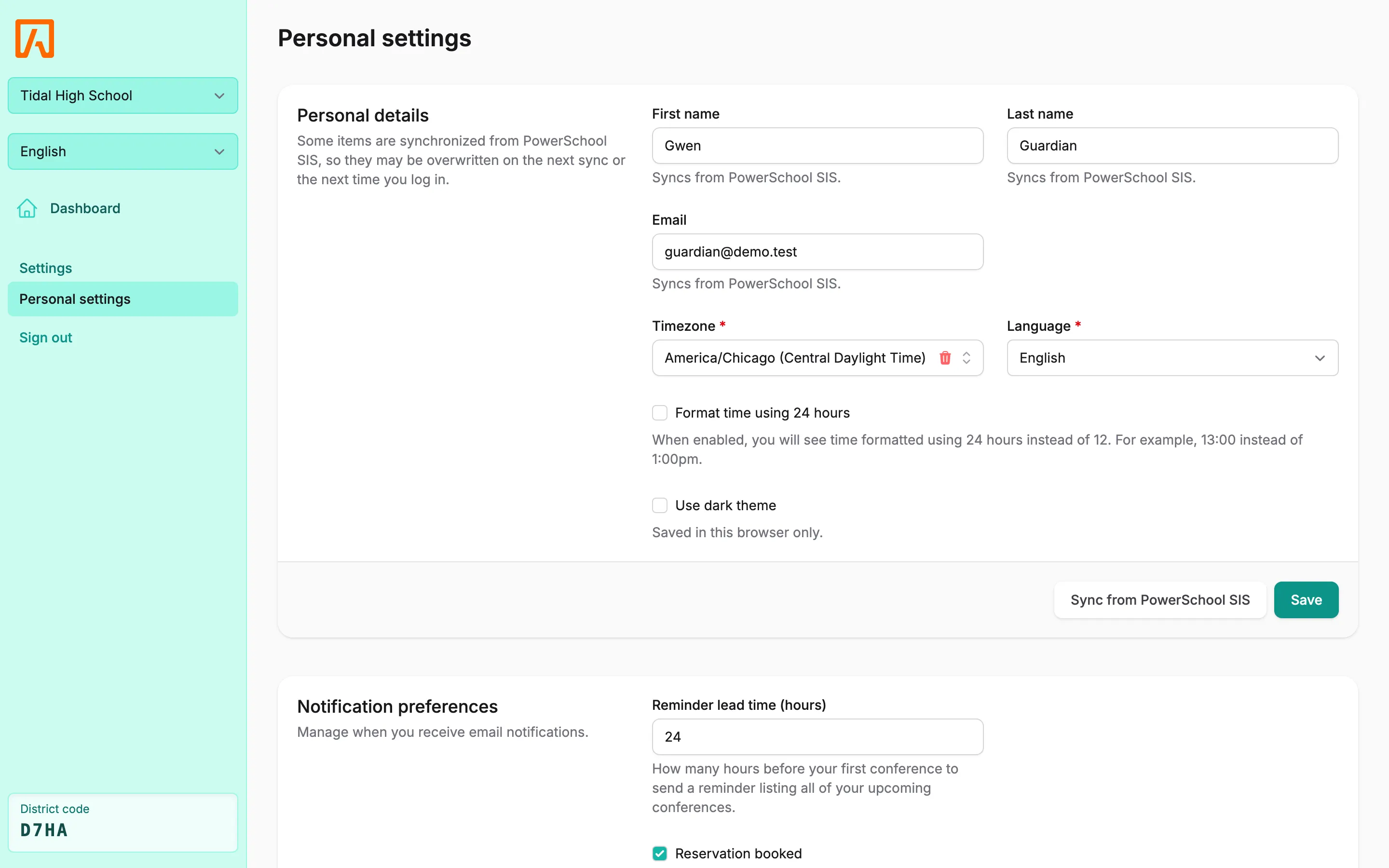
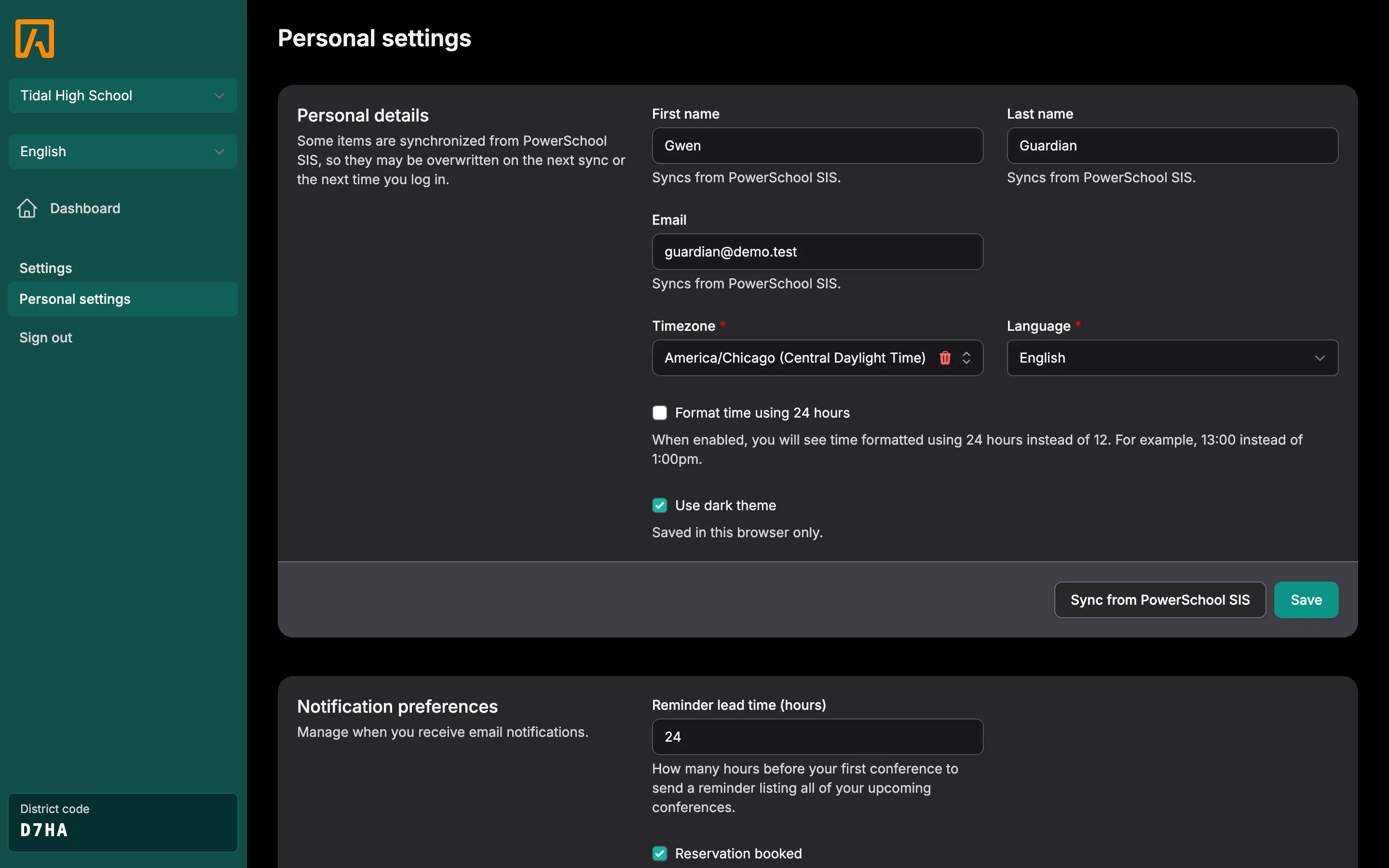
- Scroll to Notification preferences.
- In Reminder lead time (hours), type how many hours before your first conference you want the reminder. You can choose from 1 to 168 hours (one week).
- Check the emails you want and uncheck the ones you do not.
- Select Save.
| Setting | You get an email when |
|---|---|
| Reservation booked | A conference is booked. |
| Reservation cancelled | A conference is cancelled, by you, the teacher or the school. |
| Reservation rescheduled | A conference is moved to a new time. |
| Reservation updated | The teacher changes the time, place, video link or notes. |
| Reservation reminder | Your reminder time arrives. |
Every email has an Open dashboard button that takes you straight to Tidal PTC. Times are shown in your timezone, and emails are in the language you chose. See Language and timezone.